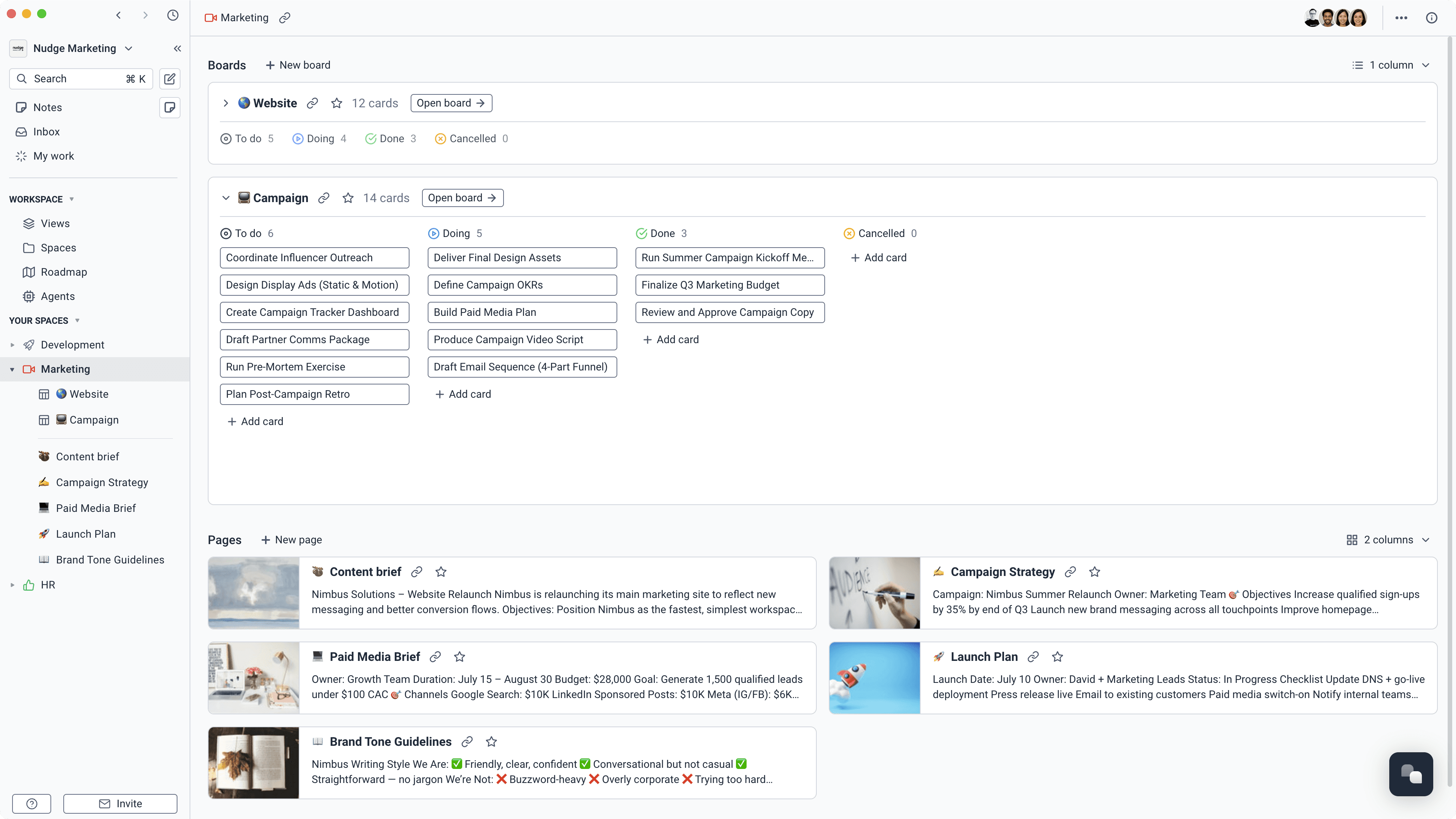
Give every client a proper home
Create a space for each client. Keep their projects, tasks, pages, meeting notes, and people together, with access limited to the work they should see.
Learn more about Give every client a proper home
Briefs, projects, meetings, docs, and billable time live together. Agency teams know what's moving. Clients see exactly what they need.
Agency margins are under pressure. Your software bill should not make that worse. Superthread brings AI agents, forms, time tracking, tasks, projects, and docs into one workspace. Pick a monthly price that works for your team.
“We've won work because of how we communicate and collaborate with clients. Superthread makes us look really polished and thorough.”
 Mat Ferdenzi, CEO, Acceler8 Talent
 Use a form to get the details, files, dates, and budget context you need before work starts.
Turn the brief into a project with owners, tasks, milestones, and the docs behind the thinking.
Keep feedback, decisions, files, and progress beside the work instead of spread across inboxes.
Track billable hours on the task, then report by client, project, person, or category.
Keep the brief, the plan, the conversation, and the hours together.
Create a space for each client. Keep their projects, tasks, pages, meeting notes, and people together, with access limited to the work they should see.
Learn more about Give every client a proper home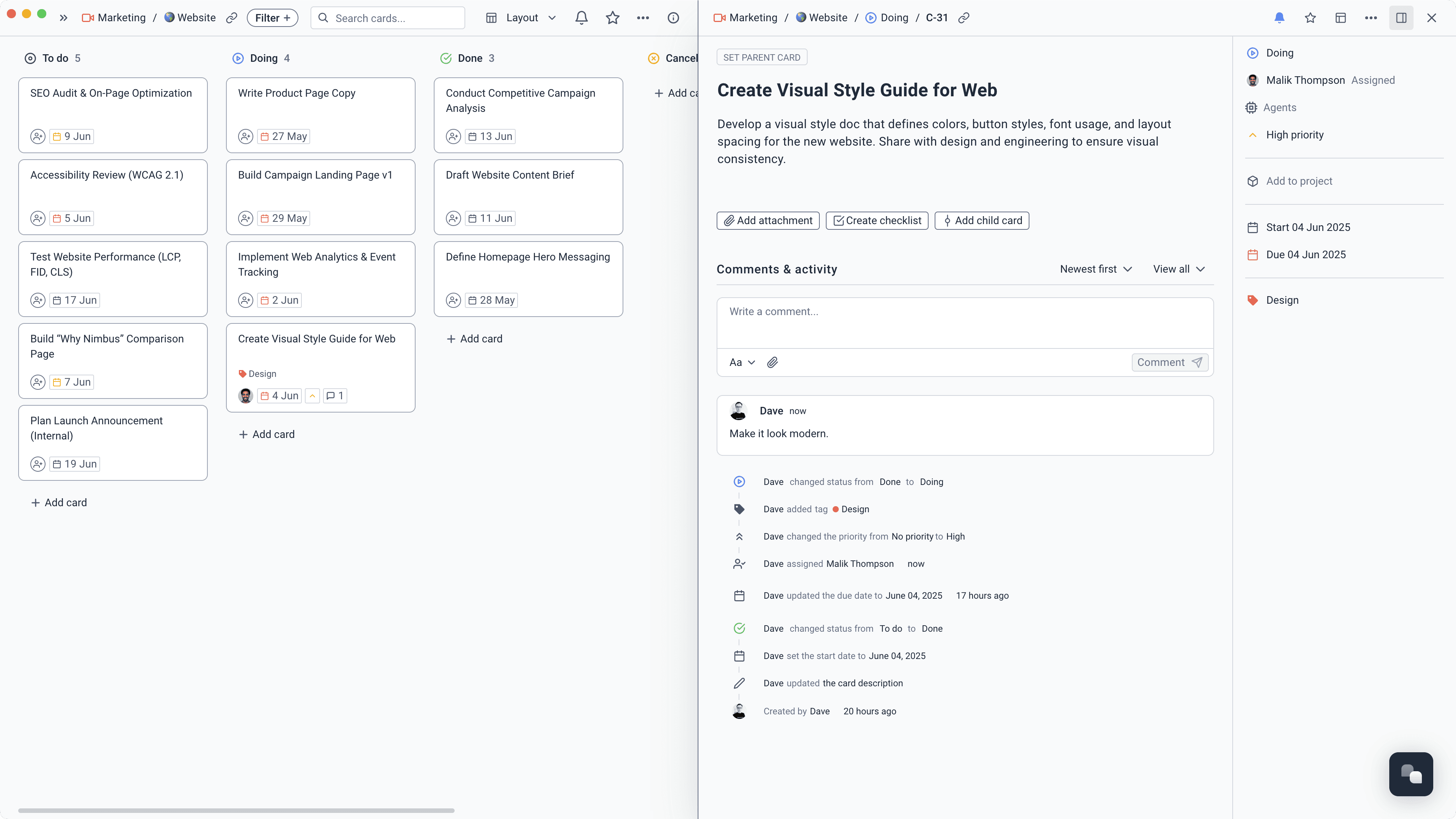
Share a form for creative briefs, change requests, or new jobs. Every submission becomes a card on the right board, already carrying the information your team needs.
Learn more about Turn briefs and requests into workTrack time directly on tasks, mark work as billable, set team rates, and build reports without asking everyone to reconstruct their week on Friday afternoon.
Learn more about Know where the hours wentCreate agents that work across your tasks, docs, projects, and meetings. Use them for regular project checks, status updates, and the routine admin that slows delivery down.
Learn more about Let agents do the chasingRecord the call, keep a transcript, and turn decisions into clear notes and tasks. The context stays attached to the client work, where the team can find it later.
Learn more about Leave meetings with the next stepsRun work in boards, lists, calendars, or timelines. Account teams get the overview; delivery teams get the detail. Nobody needs a separate status spreadsheet.
Learn more about See what is moving and what is stuckTime stays tied to the task, project, client, and person who did the work.

The UK's leading independent media agency brought project work and its knowledge base into Superthread.
Medialab replaced a mix of Jira, Confluence, and SharePoint with one clearer place for tasks, documentation, and collaboration.
Read the Medialab story
Give each agent a clear job, the right client spaces, and a moment to run. It can read the same work as the team and make real changes inside Superthread.
Pull together progress, decisions, blockers, and next steps for one client.
“Draft this week's client update from the project, completed tasks, meeting notes, and decisions. Flag anything I should review before sharing it.”
Time saved1–2 hours/week
Move the affected tasks, keep the same spacing, and show the team what changed.
“This milestone moved by one week. Reschedule the unfinished work that depends on it, keep the same gaps between tasks, and summarise the changes.”
Time saved1–2 hours/week
Find unowned work, missing estimates, crowded deadlines, and urgent tasks without a clear next step.
“Review active client work by owner, estimate, priority, and due date. Flag unowned tasks, missing estimates, crowded deadlines, and urgent work without a clear next step.”
Time saved1–2 hours/week
Compare new requests with the agreed scope before extra work slips into delivery.
“Check this request against the approved brief. If it looks out of scope, explain why and create a review task for the account lead.”
Time saved30–60 minutes/week
Spot missing goals, dates, owners, assets, and approval criteria before kickoff.
“Review this brief for the details delivery needs. Add clear questions for anything missing and create the kickoff tasks once it is complete.”
Time saved30–60 minutes/week
Everyone works from the same source, without everyone needing the same level of detail.
Give clients a clear view of progress and keep every request, promise, and decision close to the work.
Know what is due, who owns it, and what is blocked across every active client project.
Work from a complete brief, gather feedback in context, and keep every version tied to the job.
See where time goes, how work is progressing, and which projects need attention before they drift.
Clear processes for briefs, projects, time, scope, reporting, and AI agents.